
See it work
Watch a job go from plans to closeout
Short videos, about a minute each, using a sample company, Ridgeline Builders (fictional).
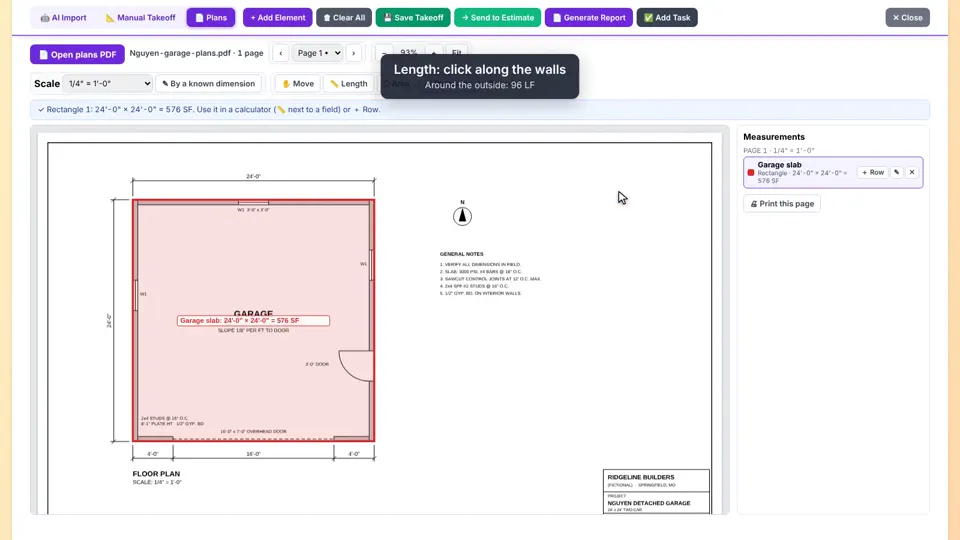
Plans takeoffUpload a floor plan, set the scale and measure walls, floors, windows and doors right on the drawing.
Estimating
 1:36
1 Plans takeoffUpload a floor plan, set the scale and measure walls, floors, windows and doors right on the drawing.
 1:30
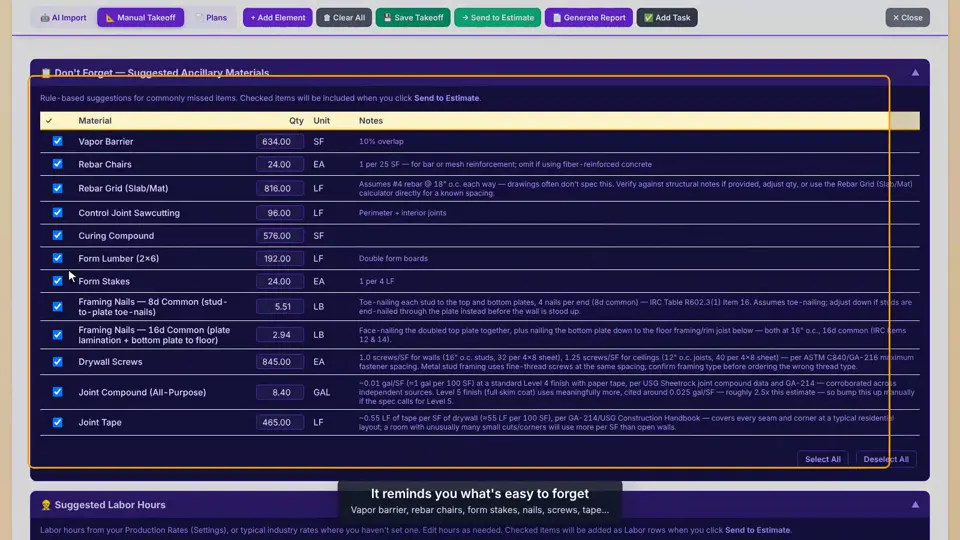
2 Manual takeoff to estimateFill in the calculators. The app suggests the extras that are easy to forget and sends it all to an estimate.
 1:30
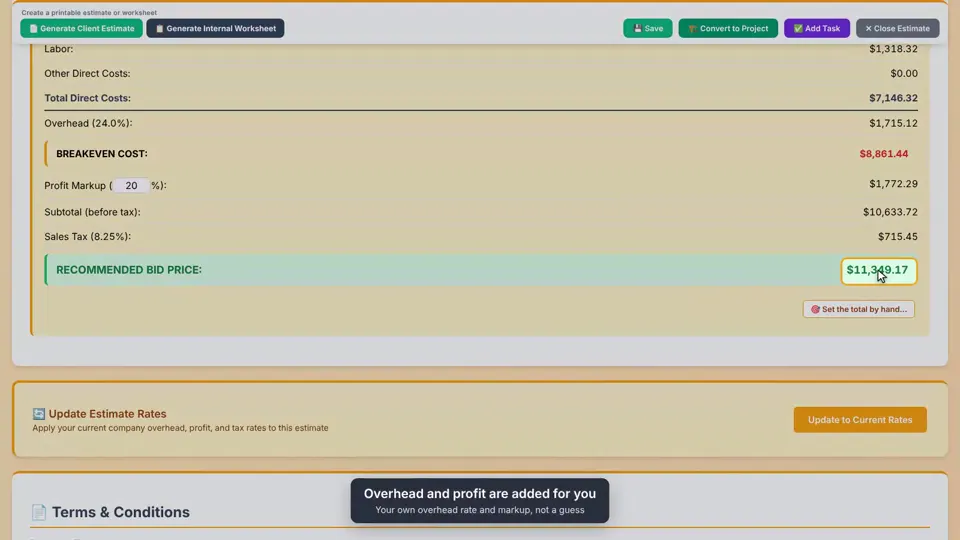
3 Build an estimateMaterials from your price list, labor at its true cost, your overhead and markup. Then the customer says yes and it goes to QuickBooks.
 1:05
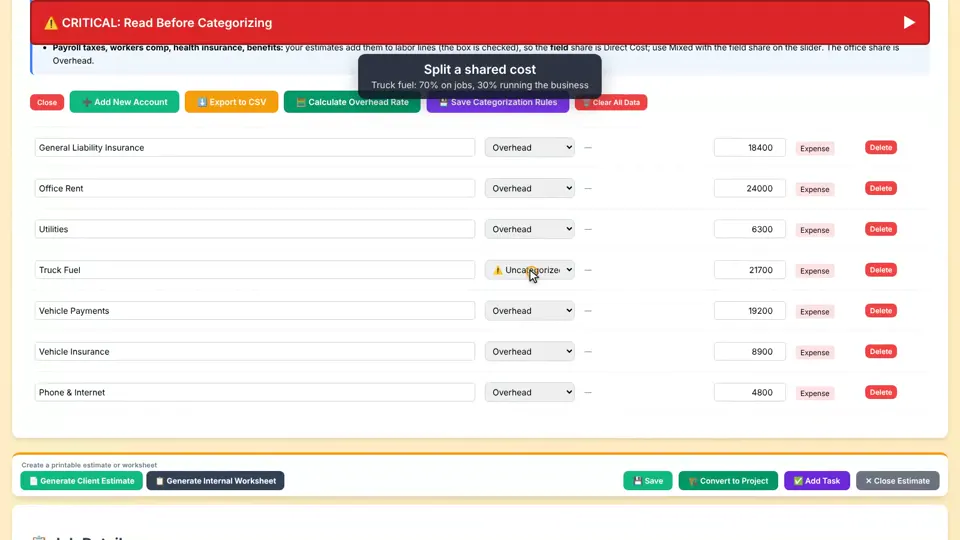
4 Your overhead rateBring in last year's profit and loss, sort the accounts, and get the overhead rate every estimate uses.
 0:54
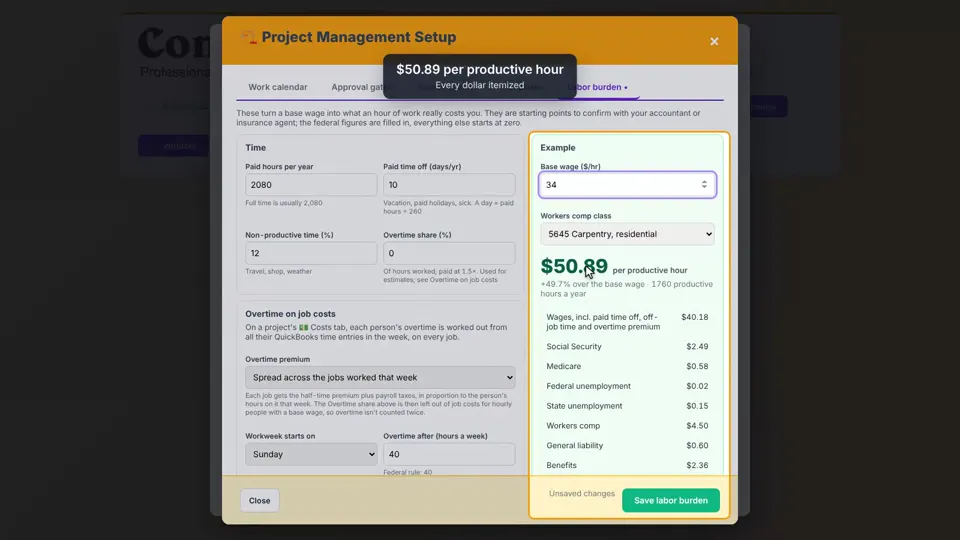
5 True labor costPaid time off, time off the job and payroll taxes, turned into what an hour of labor really costs you.
 1:25
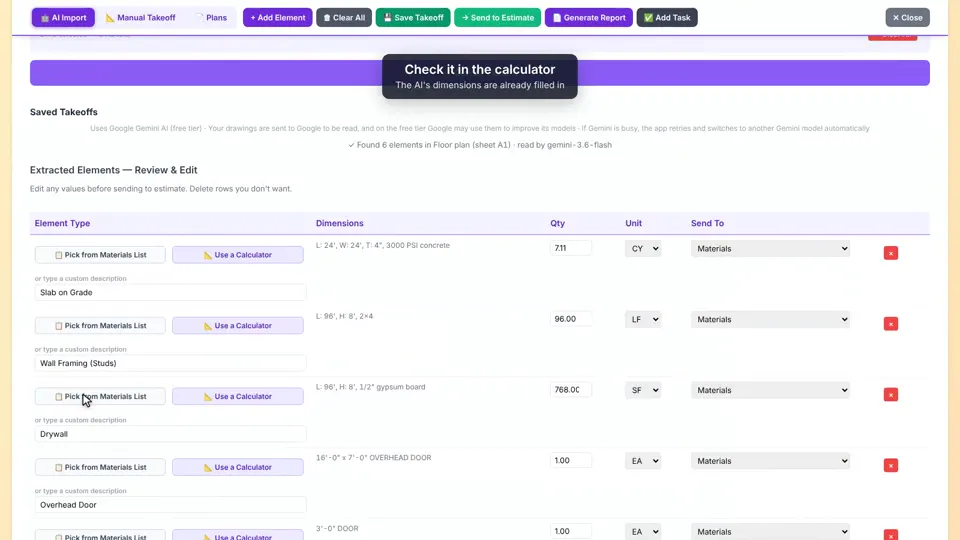
6 AI ImportUpload the plans. AI reads the sheets and lists the takeoff for you to check, price and send to an estimate.
Sales
 1:23
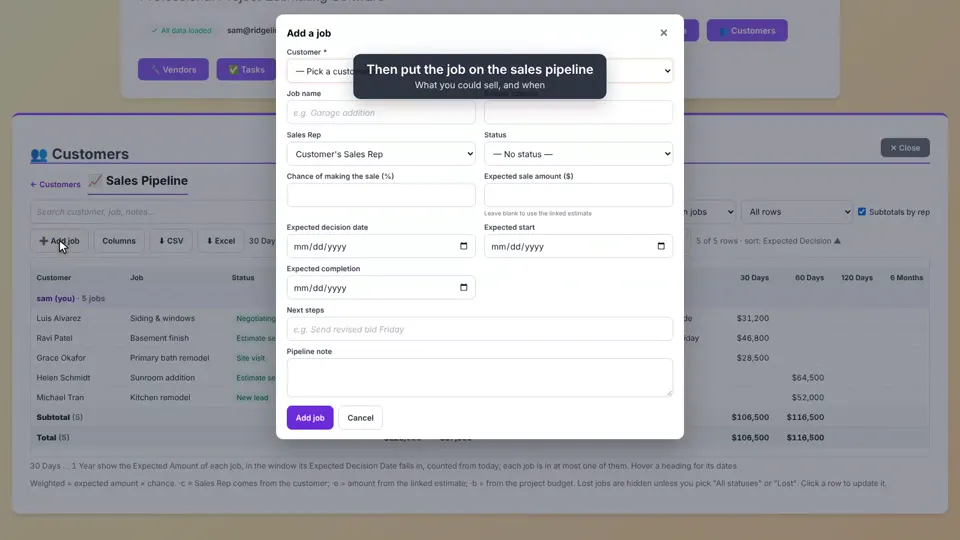
7 Customers & pipelineA new lead, notes on the customer, and the job on your sales pipeline with a weighted forecast.
 1:10
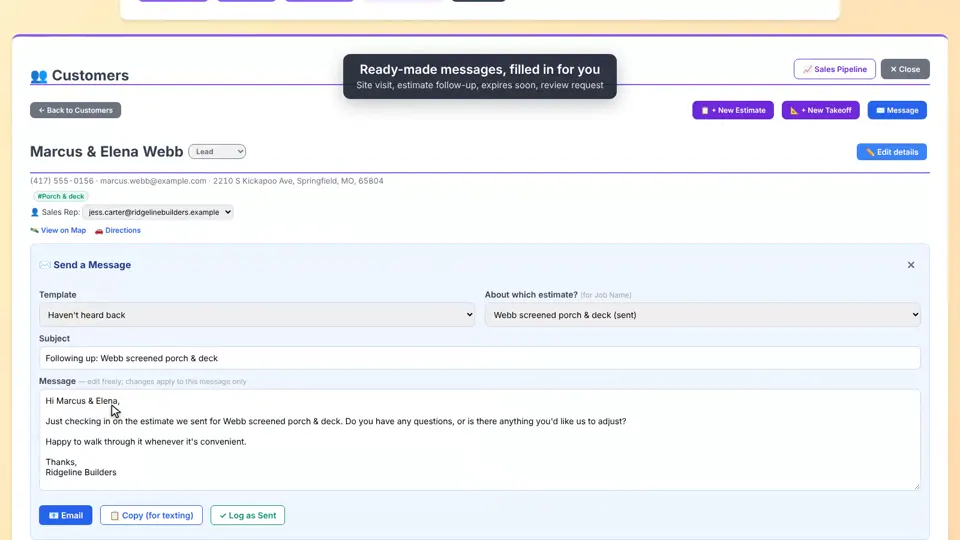
8 Customer follow-upsAssign a sales rep, send a ready-made follow-up and log it, file the drawings, and set the next task.
Running the job
 0:52
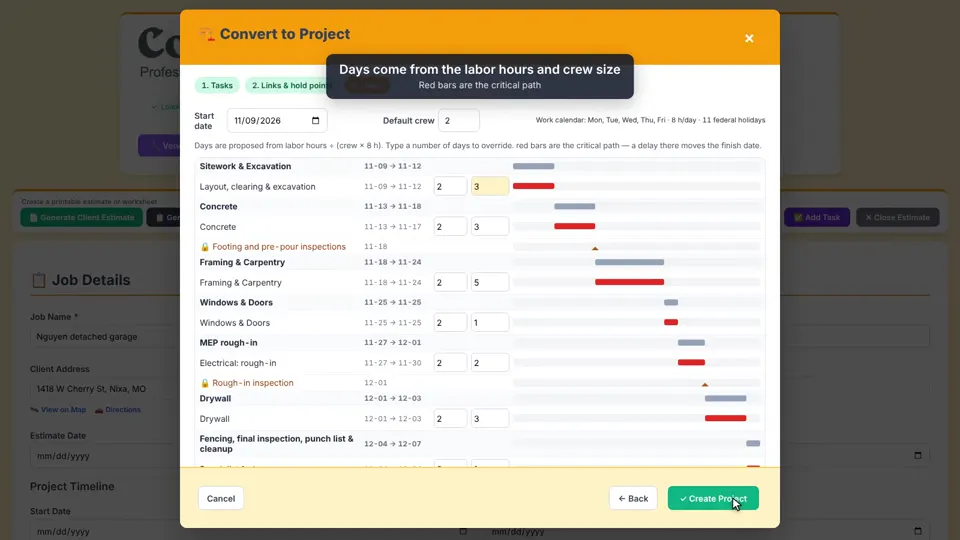
9 Schedule a projectTurn a won estimate into a project. Every line lands on a task, crew sizes set the days and the schedule builds itself.
 0:55
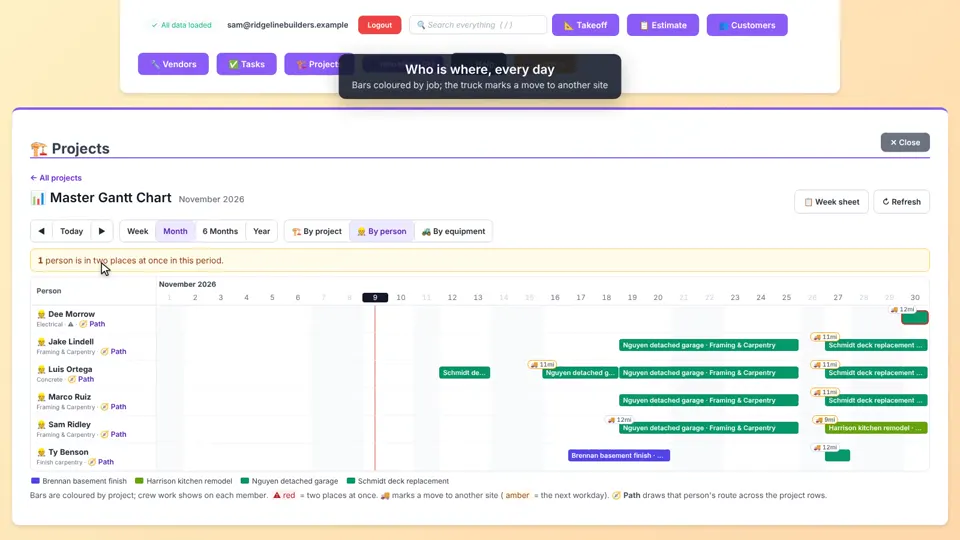
10 Company scheduleEvery job on one timeline: by project, by person or by equipment, with double-booking warnings, one person's route and the week sheet.
 1:25
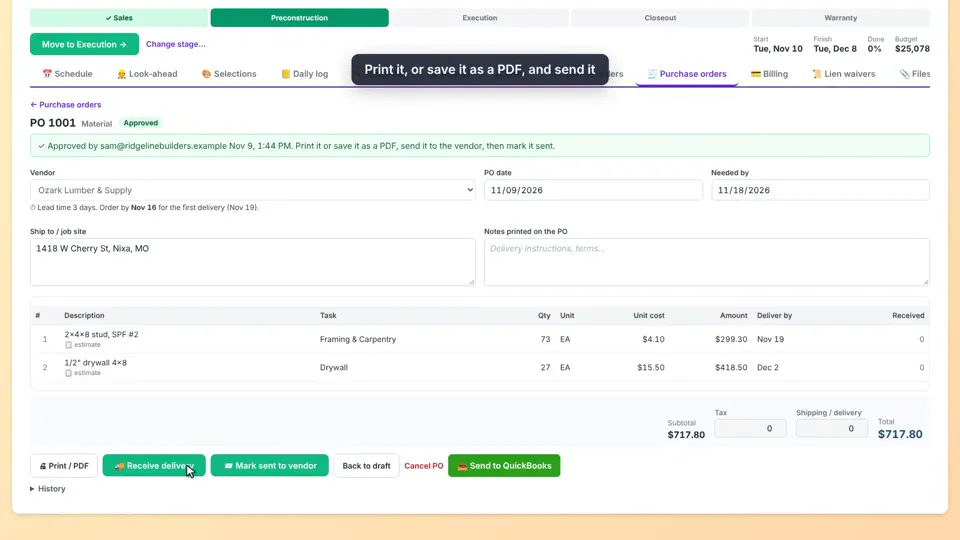
11 Purchase ordersOrder materials straight from the estimate's lines, send the PO to the vendor, and send it to QuickBooks.
 1:27
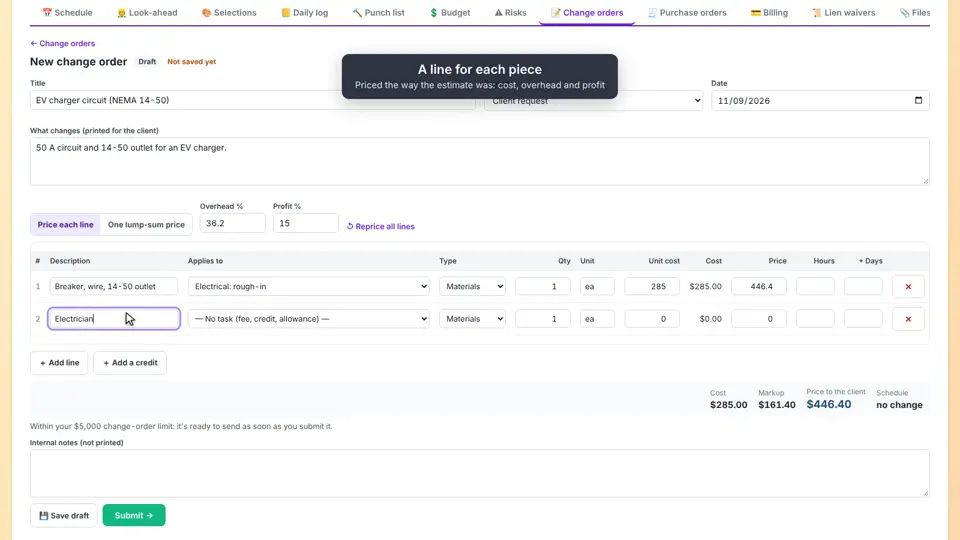
12 Change ordersPrice a change line by line with your markup, record the customer's approval, and the budget and schedule update.
 1:05
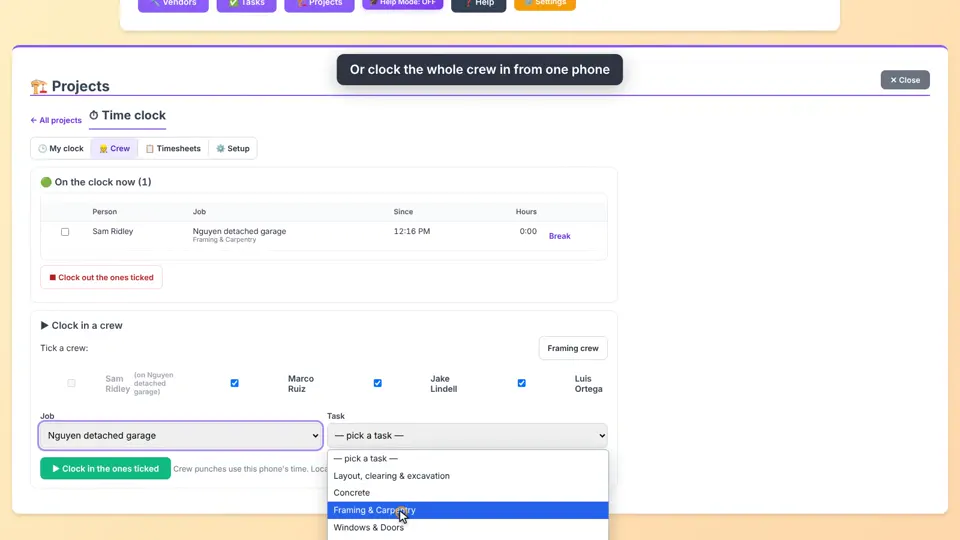
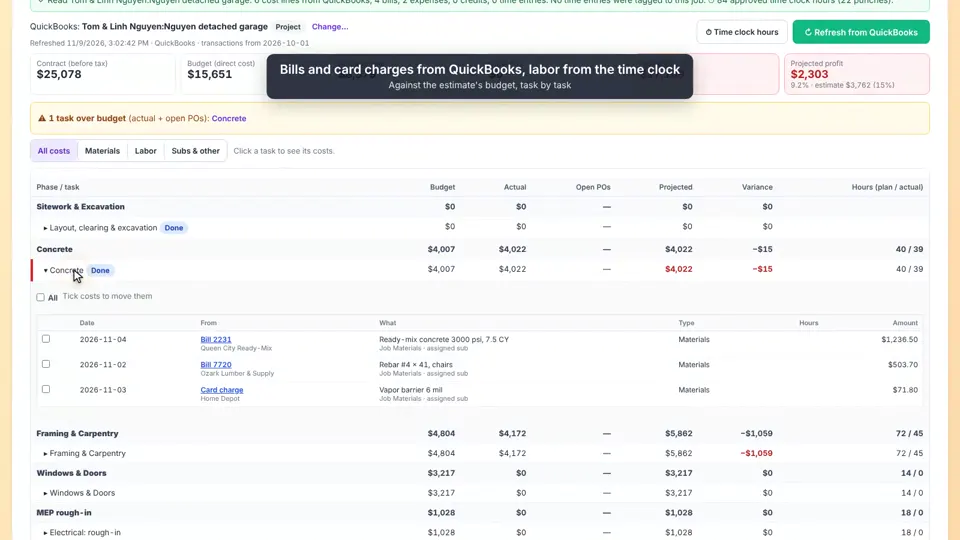
13 Time clockCrews clock in on their phones at the job site. At week end, review the hours and approve them.
 1:27
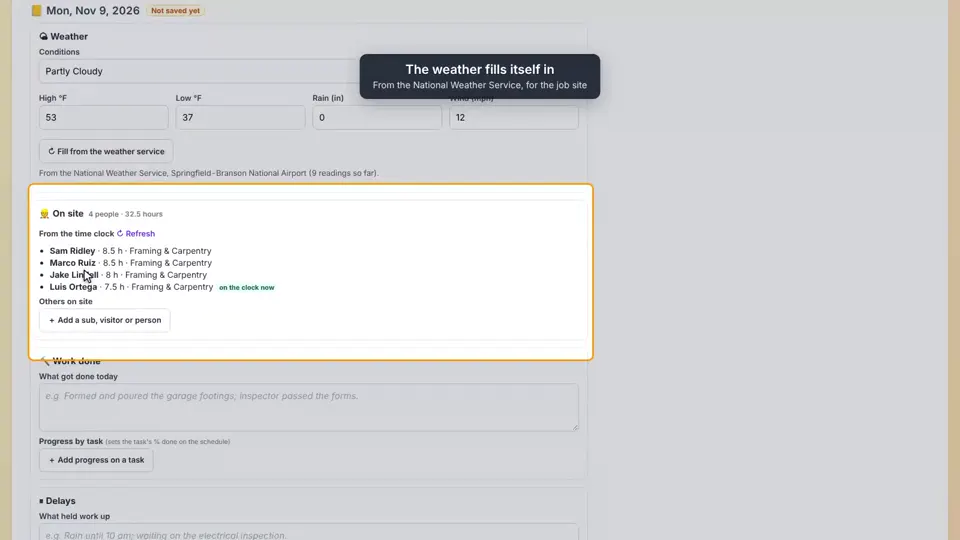
14 On the job siteToday's daily log fills in the weather and the crew, punch list items get added and accepted, and a lien waiver goes to a sub to sign online.
 0:52
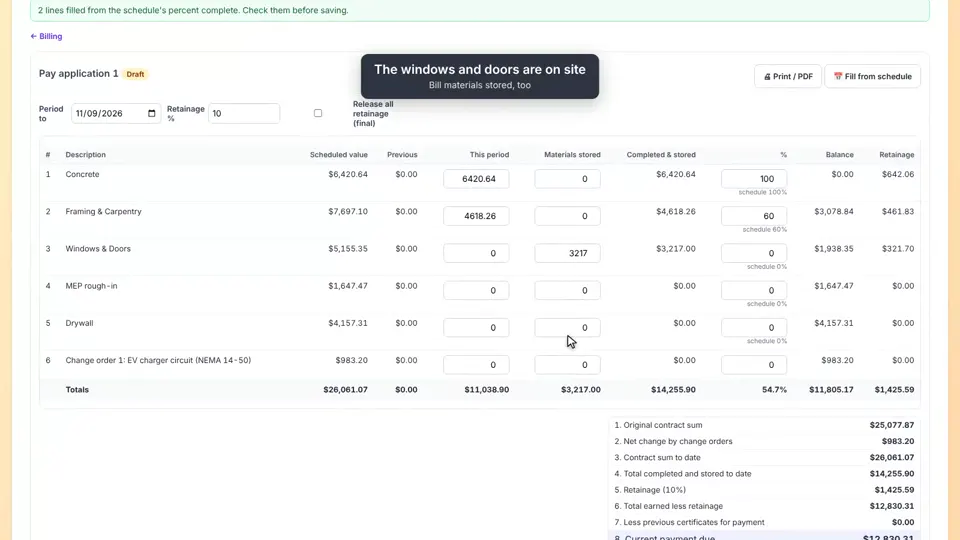
15 Progress billingA schedule of values from the estimate, pay applications with retainage, and the invoice in QuickBooks.
 1:17
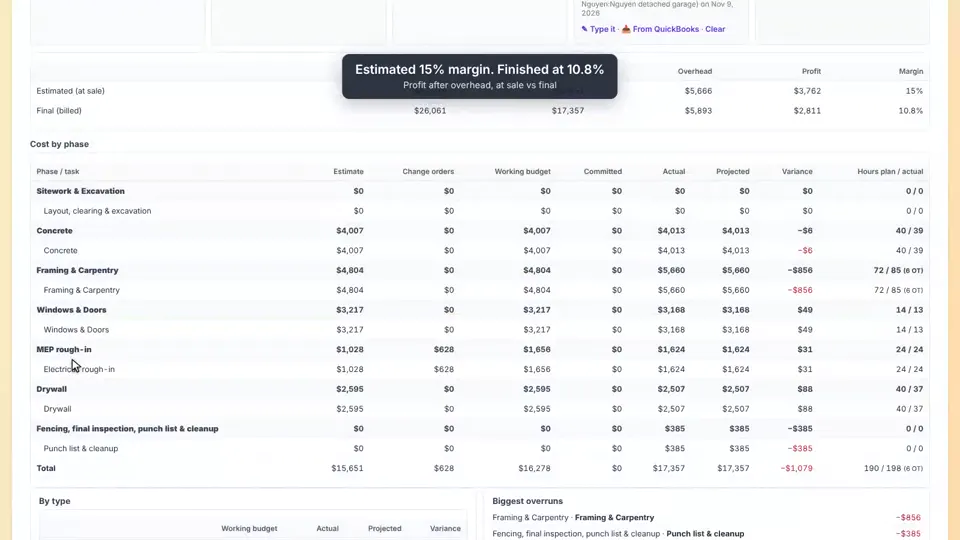
16 CloseoutThe closeout checklist, then the report: estimated vs. final margin, cost by phase, schedule and lessons learned.
QuickBooks Online
Try it on your own next job
14-day free trial. No card needed.